

Corporate Account User Guide

Welcome to London’s most reliable and trusted cab company
We operate with a clear commitment: we will never cancel a pre-booked journey.
To access your corporate account, please ensure that your company administrator has added your name to the account. Your administrator will provide you with your username, account number and password. If your company does not yet have an account, read about our corporate cabs for companies in London.
You may book your journeys using any of the following methods:
- Carrot Cars Mobile Application Online
- Corporate Portal
- 24 hour Booking Line: +44 20 7005 0557
Bookings can be viewed, edited, amended or cancelled across all platforms listed above. Please note that, apart from your company administrator, your journeys and personal data are not visible to other members of your organisation.
Carrot Cars Mobile Application
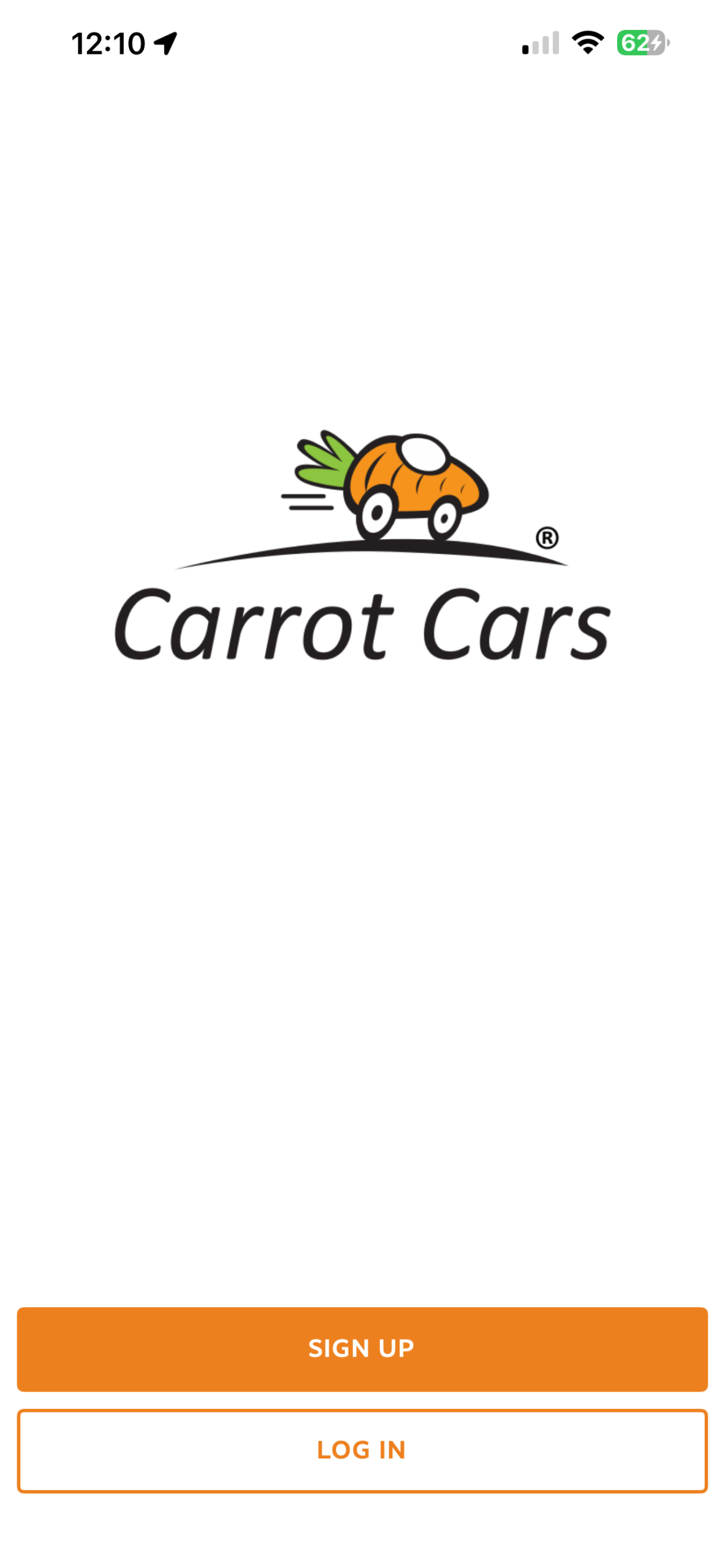
If you are viewing this guide on a mobile device, please download the Carrot Cars application using the following link:
If you are viewing this guide on a desktop computer, please scan the QR code below using your mobile device.

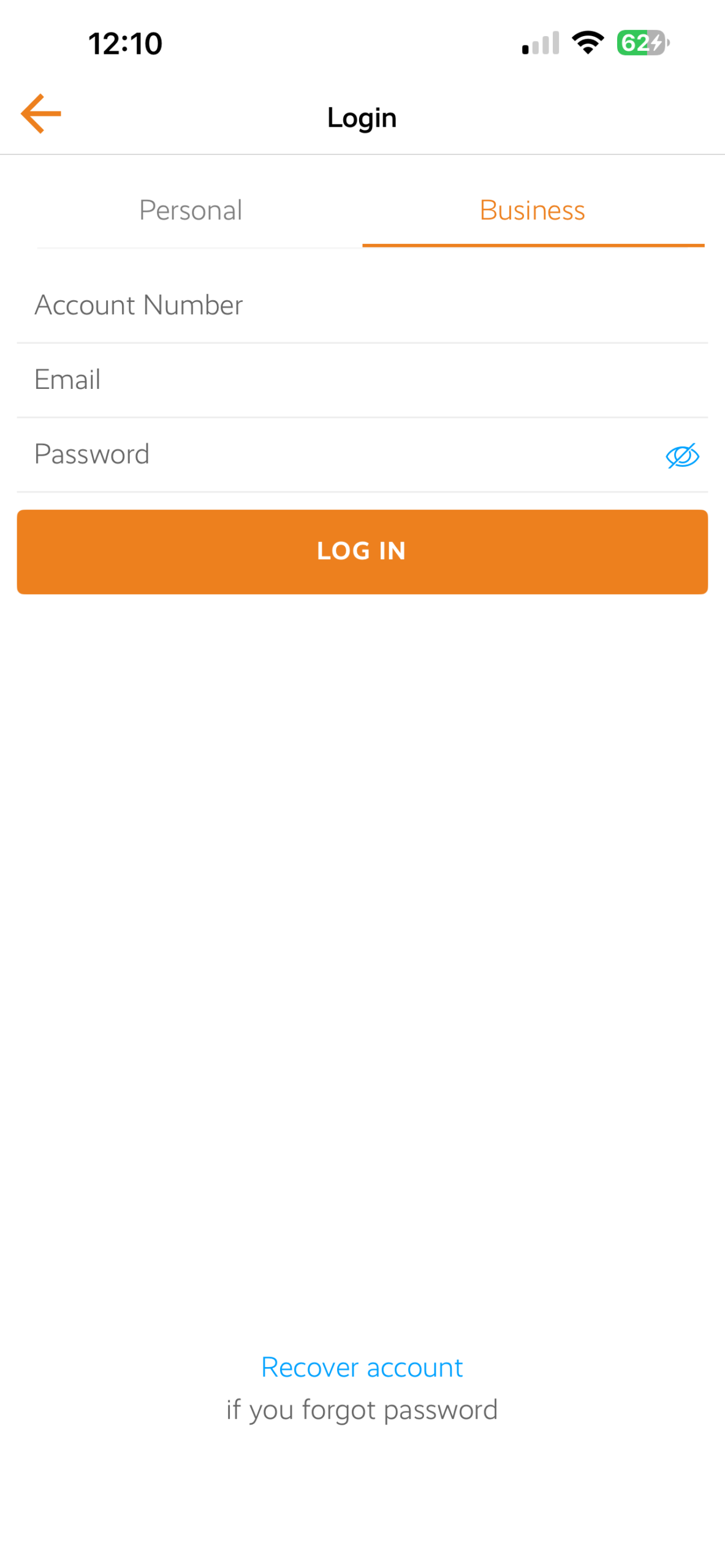
Once the application is installed, please follow the steps below:
- Select LOG IN
- Select BUSINESS (top right corner)
- Enter your Account Number (this begins with the letter A)
- Enter your registered email address
- Enter your password
- Your corporate account access is now active
If you are viewing this guide on a mobile device, please download the Carrot Cars application using the following link:
If you are viewing this guide on a desktop computer, please scan the QR code below using your mobile device.
Once the application is installed, please follow the steps below:
- Select LOG IN
- Select BUSINESS (top right corner)
- Enter your Account Number (this begins with the letter A)
- Enter your registered email address
- Enter your password
- Your corporate account access is now active
Online Corporate Portal
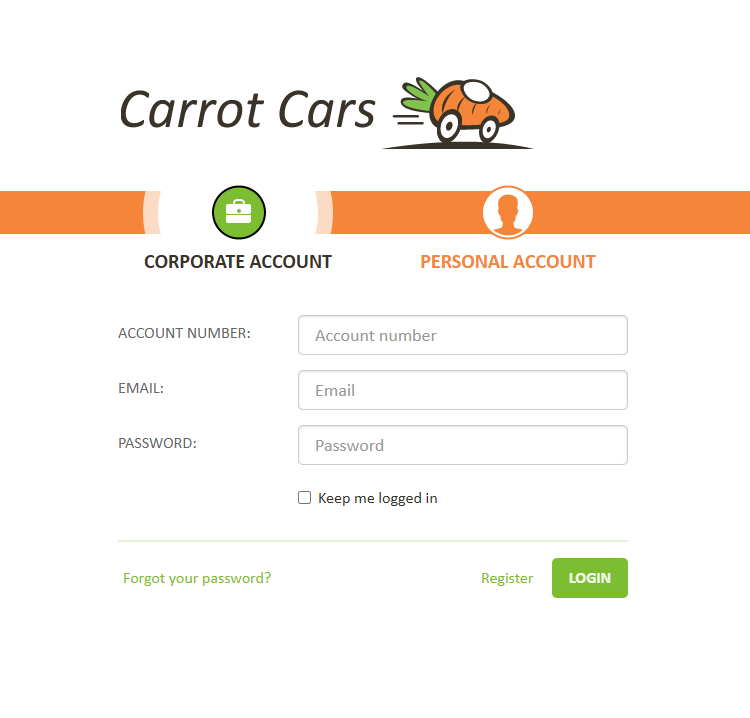
Visit https://carrotcars.co.uk
- Select LOG IN (top left corner)
- Select CORPORATE ACCOUNT
- Enter your Account Number (this begins with the letter A)
- Enter your registered email address
- Enter your password
- You will then have full access to book and manage journeys under your corporate account.
Other Options

Telephone Bookings
Bookings can be made 24 hours a day, 7 days a week by calling +44 20 7005 0557.
When placing a new booking over the telephone, you will be asked for your company’s general booking password. Please contact your company administrator if you do not have this information.
Our team can assist with new bookings, amendments, cancellations and general account queries.
This number should also be used if you require assistance with your corporate profile.
Email Support
We do not accept new bookings via email.
However, we are available 24 hours a day to assist with amendments to existing bookings or general enquiries.
Please contact: [email protected]
This inbox is monitored continuously. Responses are typically provided within 5 to 10 minutes.
Airport Pick Ups

All airport collections are operated as a meet and greet service. Your driver will be waiting inside the arrivals area.
Drivers are professionally presented in a full suit, white shirt and orange tie.
When booking an airport collection, flight details must be provided to allow live flight monitoring.
Please ensure you select an appropriate hold off time. Hold off time refers to the time between aircraft landing and meeting your driver. Clearance times vary depending on airport, terminal, time of day and season.
As a general guide, a minimum of 30 minutes and a maximum of 90 minutes is recommended. If you are unsure, please contact our team for assistance.